Computer Guys in Greer: Local IT Support vs. a Call Center
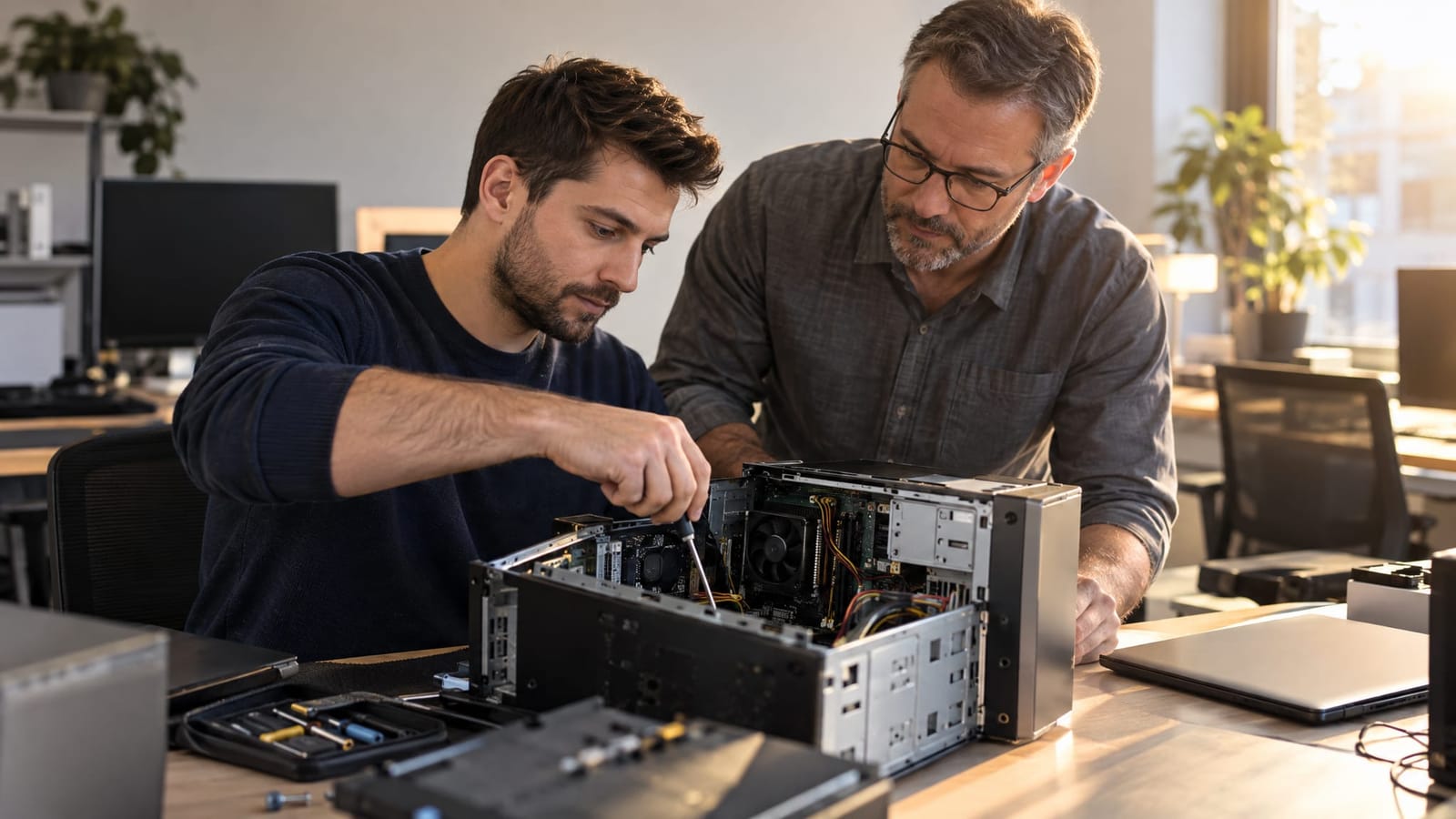
A local IT team is often the better fit when a problem needs hands-on diagnosis, affects several devices, or keeps returning. A remote support center can be a good choice for a clearly defined software or account issue, especially when the product manufacturer needs to resolve it.
If you're searching for “computer guys” in Greer, the real question is who can solve the problem without making the process harder. Location matters, but so do continuity, clear explanations, and the ability to handle more than one piece of your technology. Here is how the two support models compare.
Hands-On Diagnosis vs. Remote Troubleshooting
Remote support works well when a technician can access the device and investigate the issue through software. Application settings, error messages, and some printer configuration problems can often be assessed without a visit.
The limitation is physical access. A remote technician cannot replace a damaged connector, inspect equipment directly, or test wireless coverage by walking through your office.
Consider a laptop that connects reliably beside the router but loses its connection in a back room. An on-site assessment can examine router placement, obstacles, and coverage where you actually use the device. That provides different information from troubleshooting the laptop alone.
- Remote support fits: Accessible devices with software, settings, or account-related problems.
- On-site support fits: Wi-Fi coverage issues, equipment connections, and problems involving several devices in one space.
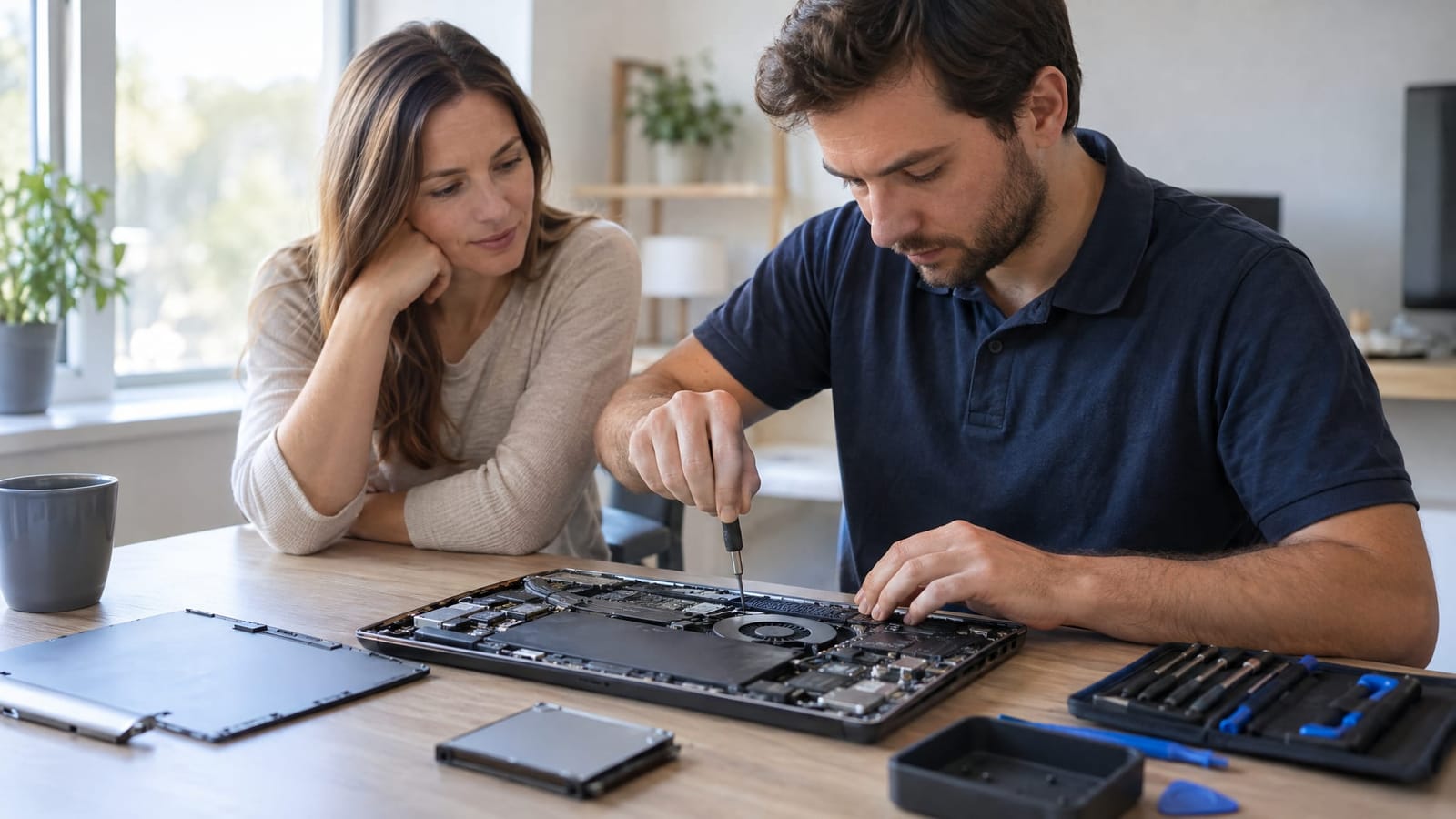
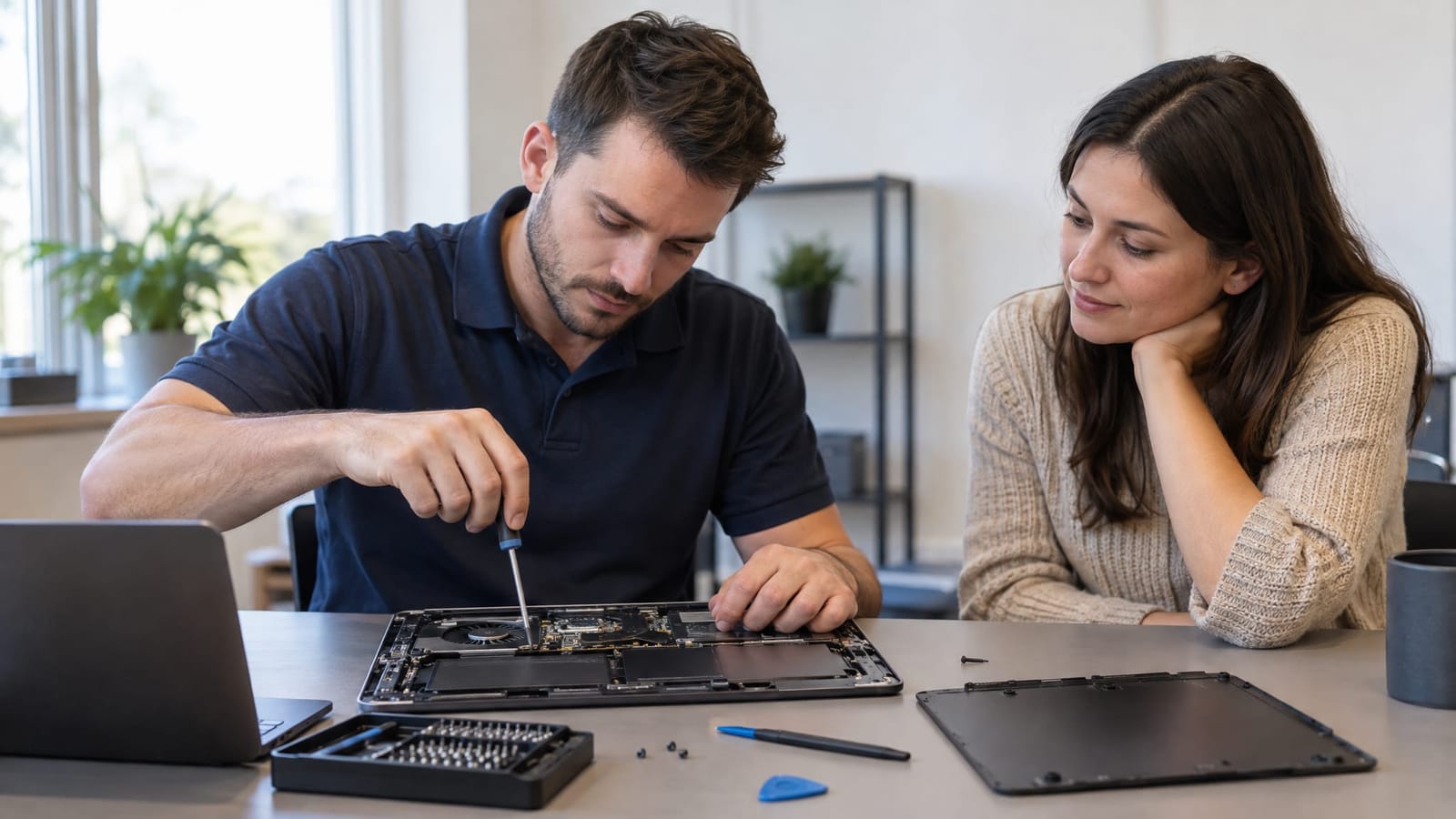
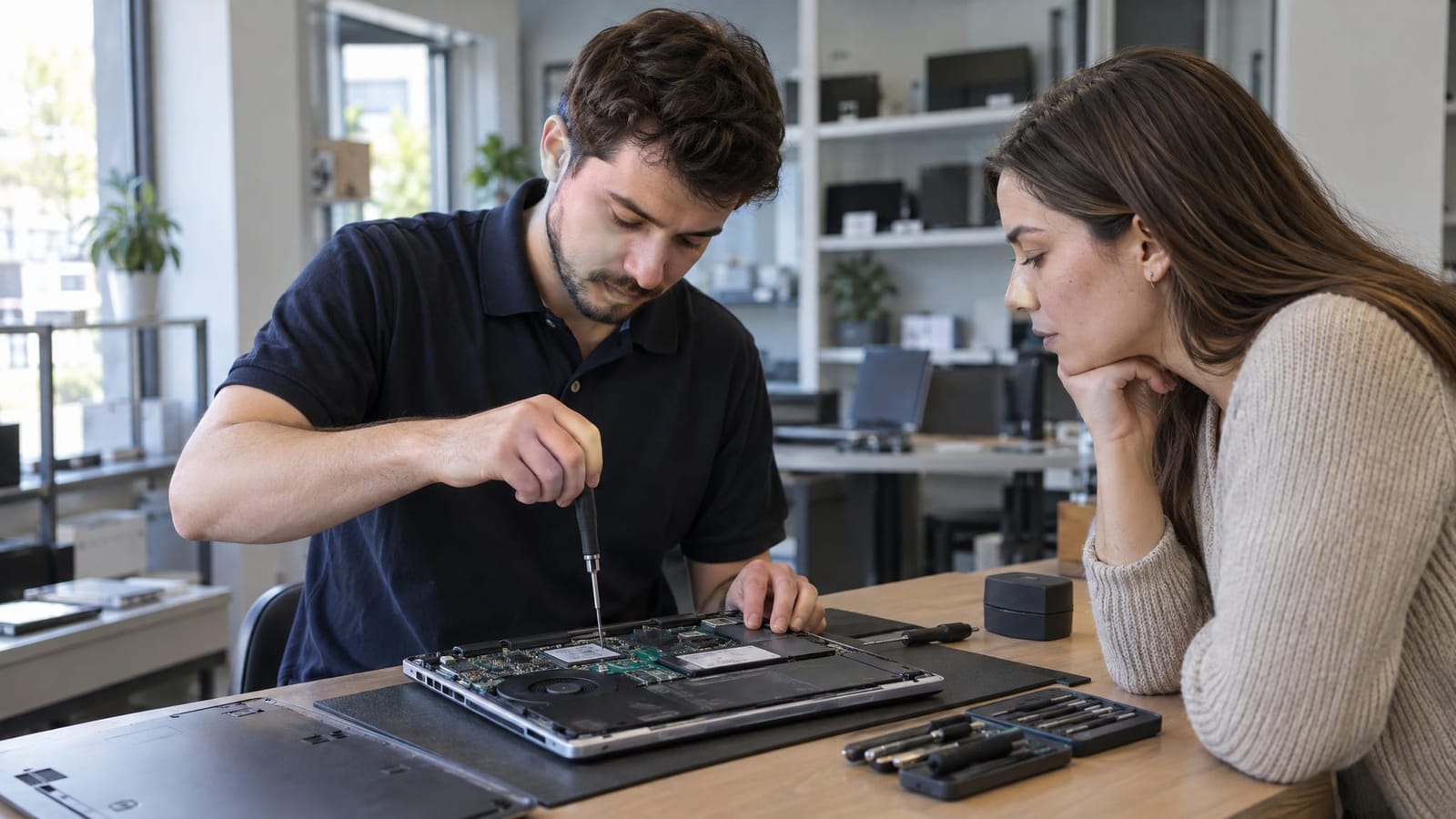
- Repair-shop work fits: Hardware problems that require disassembly, replacement parts, or extended testing.
The useful distinction is not whether remote support is good or bad. It is whether the provider can move beyond it when the problem requires another approach.
An Ongoing Relationship vs. Starting Over
Repeating your problem to each new person can be frustrating. More importantly, it can obscure useful history: what changed before the problem started, which fixes were attempted, and whether the same symptoms have returned.
A relationship-focused local team can build familiarity with your equipment and priorities. For a business, that might include knowing which workstation runs an essential application. At home, it might mean understanding how a printer, laptop, and wireless network work together.
However, continuity depends on good records, not just a familiar face. A well-organized call center can preserve detailed support history, while a local provider still needs a clear handoff process when another technician takes over.
Ask how previous work is documented and how recurring issues are followed up. Reliable continuity is more useful than relying entirely on one technician.
At TechMedic GVL, we're locally owned and based in Greer. We provide computer repair for homeowners and businesses, with on-site service whenever possible. Our relationship-focused support emphasizes plain-English explanations and straightforward guidance.
Your Whole Setup vs. One Product at a Time
Manufacturer support has an important advantage: access to product-specific knowledge and processes. It can be the right route for warranty claims, account ownership issues, or faults within a particular application.
Problems become harder to manage when several products are involved. An internet provider may focus on the connection entering the building. A printer manufacturer may focus on the printer. Neither necessarily takes responsibility for the network connecting everything.
A local IT provider with computer, networking, and internet consulting services can assess how those parts interact. That broader view is valuable when the symptom does not identify the cause.
For example, if every office computer loses access to a shared printer, troubleshooting each computer separately may miss a common network issue. If only one computer is affected, its settings or connection deserve closer attention. The number of affected devices helps determine where to begin.
Clear Scope vs. a Low Starting Price
Neither local support nor call-center support is automatically the better value. Compare what the service includes, how additional work is approved, and what happens if the first troubleshooting step does not resolve the problem.
A remote session may avoid travel and suit a narrow issue. An on-site visit may be more useful when someone needs to examine several devices or trace a connection problem. Choosing the wrong format can mean paying for an initial assessment and still needing another type of help.
Before authorizing work, ask:
- Does the quoted scope cover diagnosis, repair, or both?
- Are travel, parts, or follow-up work separate?
- Will additional charges require approval?
- What explanation of the findings and completed work will I receive?
- How will work that could affect my files be discussed beforehand?
A useful explanation connects the finding to a decision. “The computer has limited storage space, so we need to review what is using it before recommending an upgrade” is more helpful than a list of technical terms.
Frequently Asked Questions
Can a local IT team also provide remote support?
Yes. Local support describes where a provider is based, not a requirement that every issue involve a visit. Remote troubleshooting and hands-on service can complement each other. The important question is how the provider decides when remote work is appropriate and when physical access would help.
What information helps before troubleshooting begins?
Note when the problem started, which devices are affected, and any recent changes. Save the exact error message or a screenshot, without exposing sensitive information. Mention previous troubleshooting attempts and whether important files are backed up. These details help narrow the investigation.
What if my computer is still under warranty?
Review the manufacturer's support process before authorizing third-party hardware work. A warranty claim may need to go through the manufacturer or its designated repair channel. Keep purchase details, support case numbers, and any written diagnostic findings together to make that process easier.
Is one-time repair enough, or does a business need ongoing IT support?
One-time repair can suit an isolated problem. Ongoing support becomes more useful when a business needs coordinated maintenance, cybersecurity, backups, and help across multiple users. The decision depends on how much daily work relies on technology and who currently handles those responsibilities.
Choose the Support Model That Matches the Problem
For a single product or account issue, specialized remote support may be the simplest route. For recurring problems, physical troubleshooting, or technology that needs to work together, a local IT relationship offers practical advantages. Look for clear ownership of the issue, understandable explanations, and a sensible next step when the first approach is not enough.