Computer Screen Repair vs. Replacement: How to Know Which Option Is Right for You

Computer screen repair usually makes sense when the damage is limited to the display, the computer still meets your needs, and the complete repair costs substantially less than a comparable replacement. Replacing the device becomes more attractive when screen damage comes with other expensive problems, poor performance, or limited software support.
First, distinguish a laptop screen from a separate desktop monitor. Replacing a damaged standalone monitor does not mean replacing the computer connected to it. With a laptop, the decision involves the condition of the entire machine.
Identify whether the problem is actually the screen
A visible crack points to physical damage. A black screen, flickering image, or colored lines can also come from a cable, connection, software issue, or another internal component. Those symptoms alone do not establish that the display panel needs replacement.
For a laptop that supports an external display, a clear picture on another monitor helps narrow the problem toward the built-in display or its connection. It does not prove that the panel itself is faulty. For an undamaged standalone monitor, checking the selected input and trying a known-working cable can help identify a connection problem.
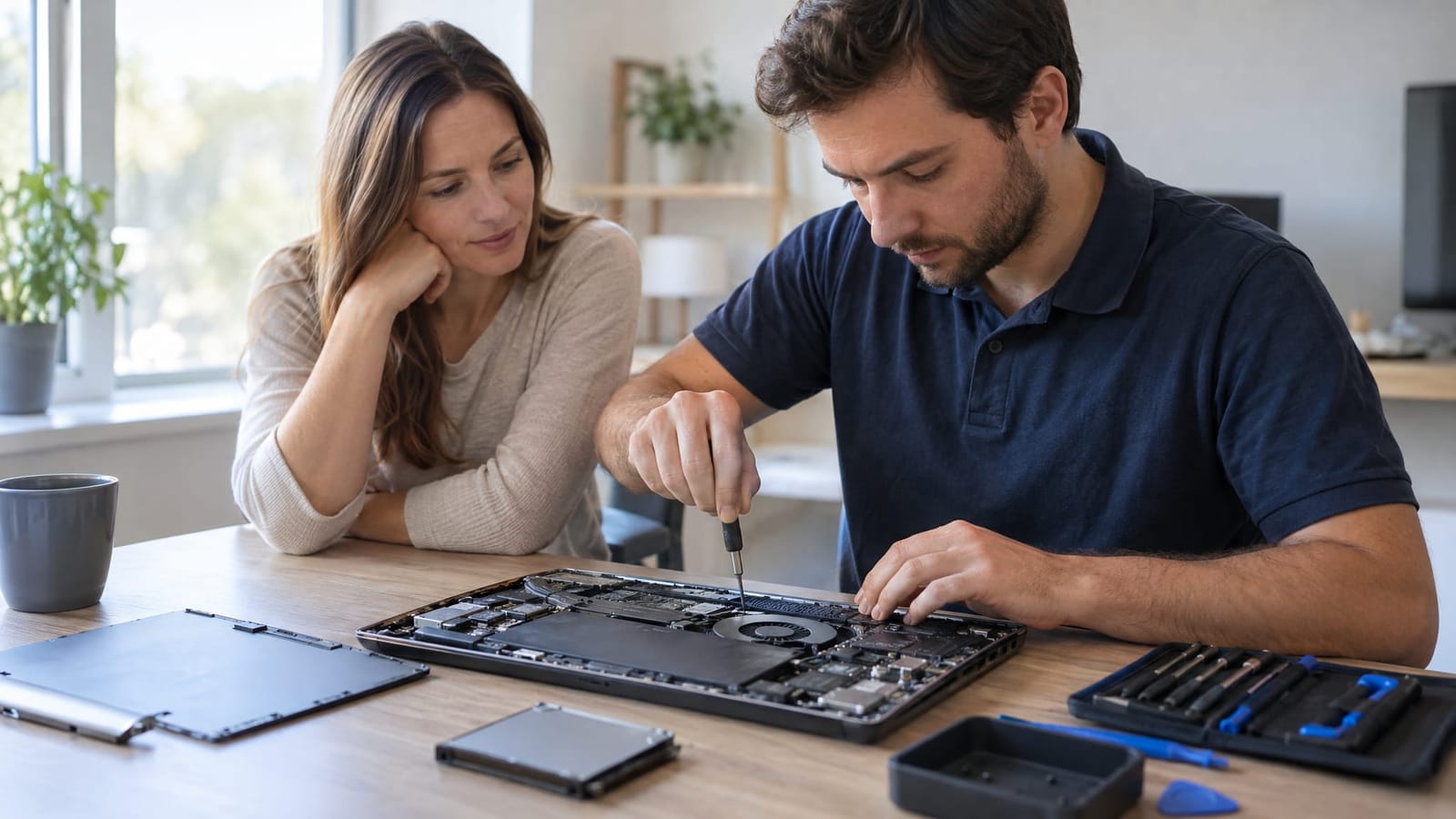
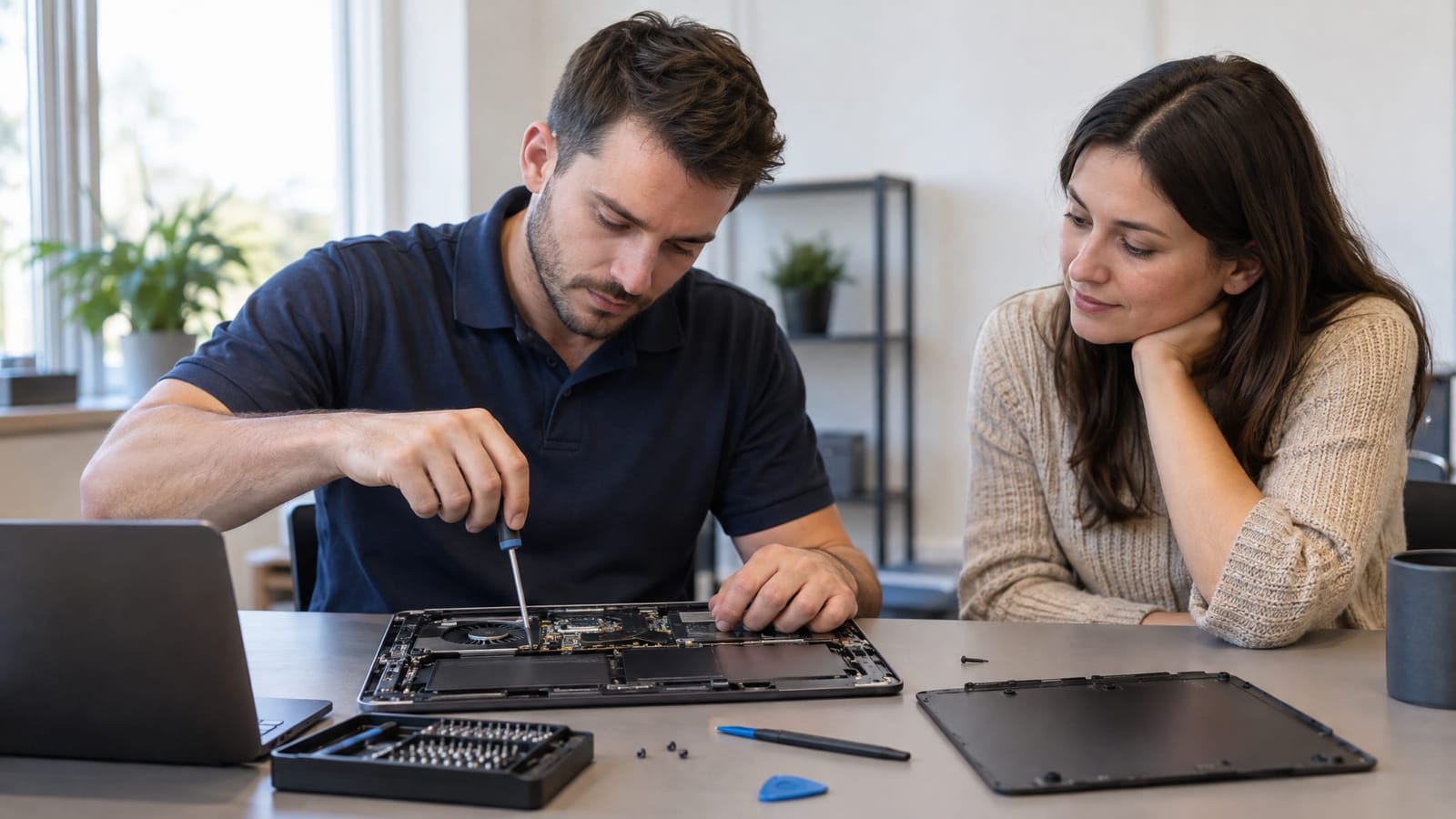
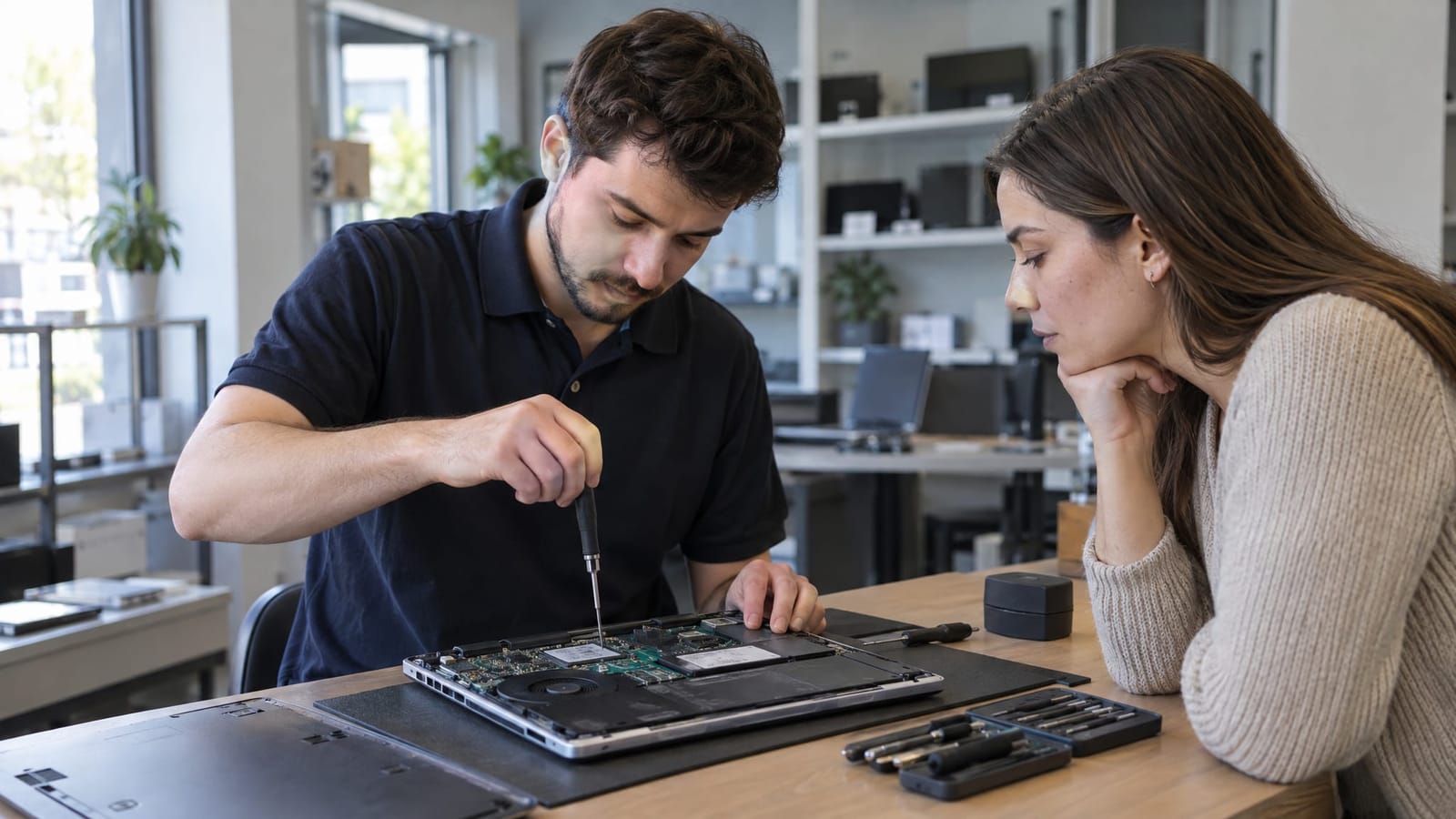
Computer screen repair often means replacing the damaged panel rather than repairing its cracked surface. Depending on the laptop’s construction, the work may involve a larger display assembly. Leave broken glass and internal display work to a qualified repair technician.
Repair vs. replacement: compare the main tradeoffs
| Factor | Repair is more attractive when | Replacement is more attractive when |
|---|---|---|
| Overall condition | The screen is the main problem and the computer otherwise works well. | The device also needs significant battery, hinge, storage, or other repairs. |
| Total cost | The complete repair is comfortably below the cost of a suitable replacement. | Repair and other necessary work approach the replacement cost. |
| Performance | The computer handles your everyday applications reliably. | It already struggles with the work you need it to do. |
| Software support | The device can run a supported operating system and required applications. | Keeping it supported would require additional changes or replacement. |
| Time and disruption | Keeping existing software and settings avoids substantial setup work. | Parts sourcing and repair would interrupt work more than replacement and setup. |
Compare complete costs, not a fixed percentage
A blanket rule such as “replace it once repair reaches a certain percentage” misses important differences between computers. A specialized laptop and a basic home computer can have very different replacement requirements.
Use two complete totals:
- Repair total: Assessment charges, parts, labor, applicable taxes, and any other work needed to keep the computer useful.
- Replacement total: A device that meets your actual needs, plus necessary accessories, setup, file transfer, and software costs.
Compare repair against a suitable replacement today, not the computer’s original purchase price. An expensive original purchase does not automatically justify an expensive repair.
The practical threshold is whether repair leaves a meaningful saving while preserving a useful computer. If both totals are close, replacement deserves greater weight. If repair is much less expensive and restores an otherwise capable device, keeping it is easier to justify.
For example, replacing the screen on a dependable work laptop is a different decision from replacing the screen on a laptop that also has broken hinges and a failing battery. The second comparison needs all necessary repairs included.
Judge age by condition and remaining usefulness
Age matters because components wear and software requirements change, but it is not a replacement rule by itself. An older computer that handles your tasks well can still be worth repairing.
Before screen damage occurred, was the device reliable? Did it have enough storage, acceptable battery life, and adequate performance? Can it run a supported operating system and the applications you rely on?
A new screen will not solve unrelated crashes or slow performance. Conversely, replacing an entire computer solely because it has a damaged display can discard hardware that still does its job.
For a separate monitor, compare repair with a replacement offering the features you actually use, including size, resolution, connections, and ergonomic adjustments.
Check warranty and insurance terms before work begins
A manufacturer’s warranty, an accidental-damage plan, and an insurance policy are different forms of protection. Coverage depends on the terms and the cause of damage.
Useful items to review include:
- Whether the type of damage is covered.
- Any deductible, service fee, or coverage limit.
- Whether approval is required before repair.
- Whether the plan specifies a repair provider or replacement process.
- What photographs, receipts, or assessment documents are needed.
The relevant comparison is the amount you would pay through the plan versus paying directly for repair or replacement. A licensed insurance professional can explain how an insurance policy applies to your situation.
What an honest repair assessment needs to explain
A useful assessment separates visible screen damage from related problems. A dropped laptop, for example, may also have damage to its lid, hinges, or display cable. Replacing only the panel would not address those issues.
At TechMedic GVL in Greer, we offer computer repair services and technology assessments, with plain-English explanations and transparent pricing. The decision needs to reflect the computer’s condition and your needs, not simply favor a newer model.
A clear estimate identifies what is being replaced, what the total includes, and which problems remain outside the proposed work. Part specifications and any repair warranty also belong in the comparison.
Frequently asked questions
Can I use a laptop with an external monitor instead?
For an otherwise undamaged laptop with a working external display connection, this can be a practical desk-based alternative. It sacrifices portability and does not resolve physical damage to the built-in screen or hinges.
Will screen replacement erase my files?
Replacing a display does not normally involve erasing the storage drive. Still, a current backup is valuable before service, particularly when the device has suffered a drop or other damage.
Does a touchscreen change the repair cost?
A touchscreen includes a touch-sensing layer as well as the image-producing panel. Depending on the design, these parts are replaced together, which can change the parts and labor involved.
Is a refurbished computer a fair replacement comparison?
Yes, if it meets the same requirements. Compare its condition, software support, battery condition where applicable, warranty, and return terms rather than price alone.
What information helps make an estimate useful?
The exact model, symptoms, how the damage happened, and whether touch still works all help. Mention problems that existed before the screen damage so the comparison accounts for the whole device.
Choose based on the whole computer
Repair is most compelling when it preserves a capable computer at a clear saving. Replacement becomes more practical when the combined repairs approach replacement cost or leave significant limitations unresolved. A diagnosis and complete cost comparison provide a stronger basis than age or a cracked screen alone.