
Alexandra Smith
Great for all your computer and IT needs!
2026-05-29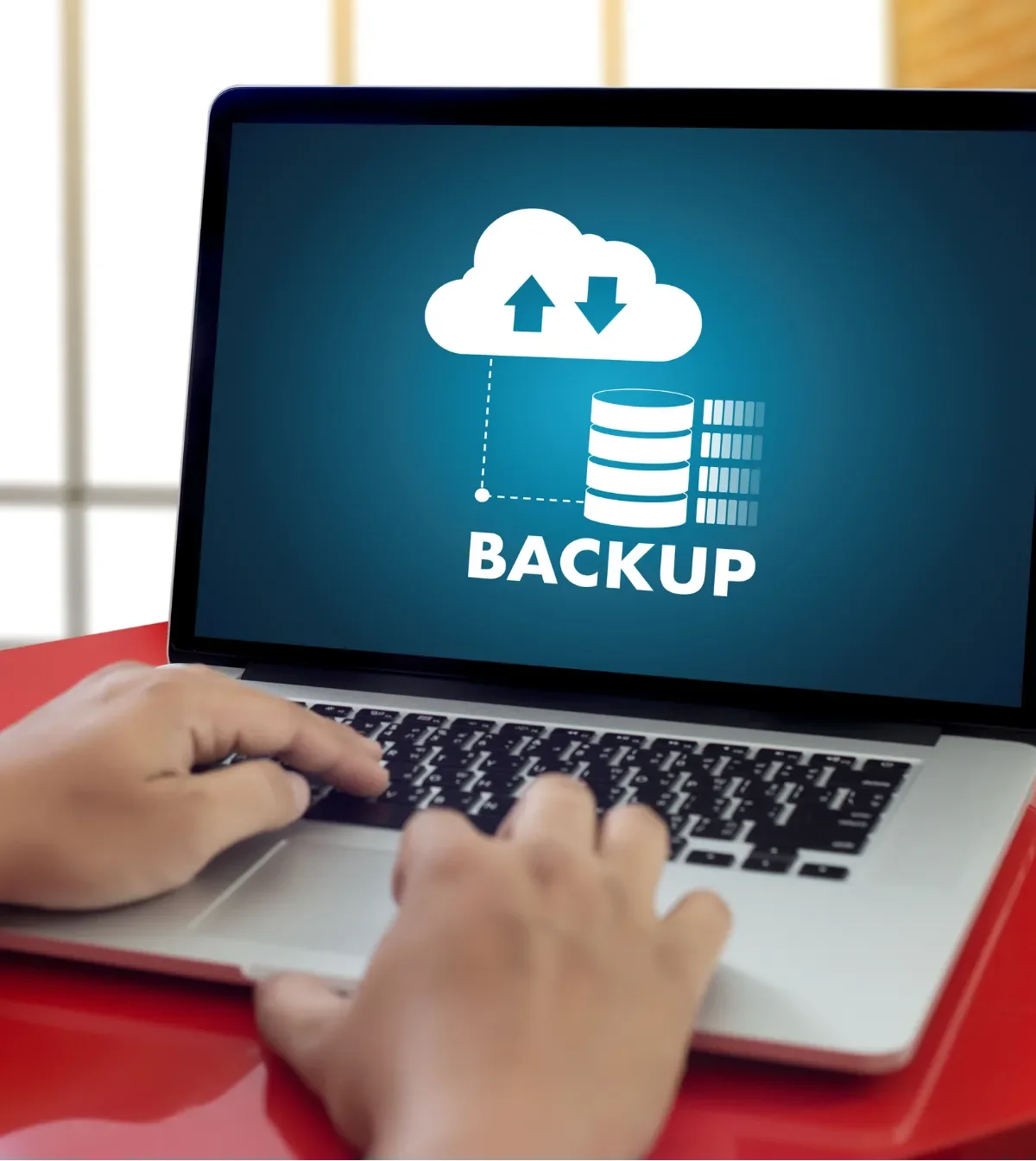
Your files are copied offsite automatically and tested so they can be restored. Locally owned, with plain-English answers and no surprise fees.
Get my free estimate
Your files are copied offsite automatically and tested so they can be restored. Locally owned, with plain-English answers and no surprise fees.
Sound familiar
Most data loss is not dramatic. It is a dead drive, a bad click, or a backup nobody ever checked.
Many people think they are backed up because a drive is plugged in. Then a file goes missing and the last copy is months old, or empty.
Fire, theft, a failed hard drive or ransomware can hit the computer and the backup drive beside it at the same time. Copies kept in one room are one copy.
Some live on a desktop, some on a phone, some in a personal cloud account. Nobody is sure what is saved or who can open it.
Storage plans, user licenses and sharing rules pile up. Many businesses pay for tools they do not use and miss the ones they need.
Having a copy is not the same as being able to restore it quickly. Without a tested plan, a short outage can turn into days of lost work.

This service moves your important files and systems into protected cloud storage and keeps a second copy offsite. The goal is simple: if something breaks, you get your work back.
We start by finding out what you cannot afford to lose. For a business that might be client records, accounting files, shared documents and email. For a household it is usually photos, tax papers and personal documents. Then we choose the right mix of cloud storage, automatic backup and sharing tools for how you actually work.
Once it is set up, backups run on a schedule without anyone remembering to start them. Copies are kept away from your office or home, so a local problem does not touch them. We also check that files can really be restored, because a backup you have never tested is only a hope.
This suits small and medium-sized businesses that want their data protected without hiring a full IT department. It also suits homeowners and seniors who want family photos and records kept safe. We explain each choice in plain English, and you always know what is being stored and where.
How it works
Each step is explained before it happens, and nothing is moved or switched on without your say-so.
We ask what files matter, who needs access, and how long you could be without them. You get a clear recommendation and a price before any work starts.
We build your storage, user accounts and sharing rules, then move your files over carefully. Your original files stay in place until you confirm everything is there.
Backups are scheduled to run on their own and send copies offsite. Computers, servers and key accounts are covered based on what we agreed.
We pull files back from the backup to prove it works. You see the result, not just a promise that it should.
We show you how to find and recover files, and leave you with simple written steps. If something looks off later, you call someone who already knows your setup.
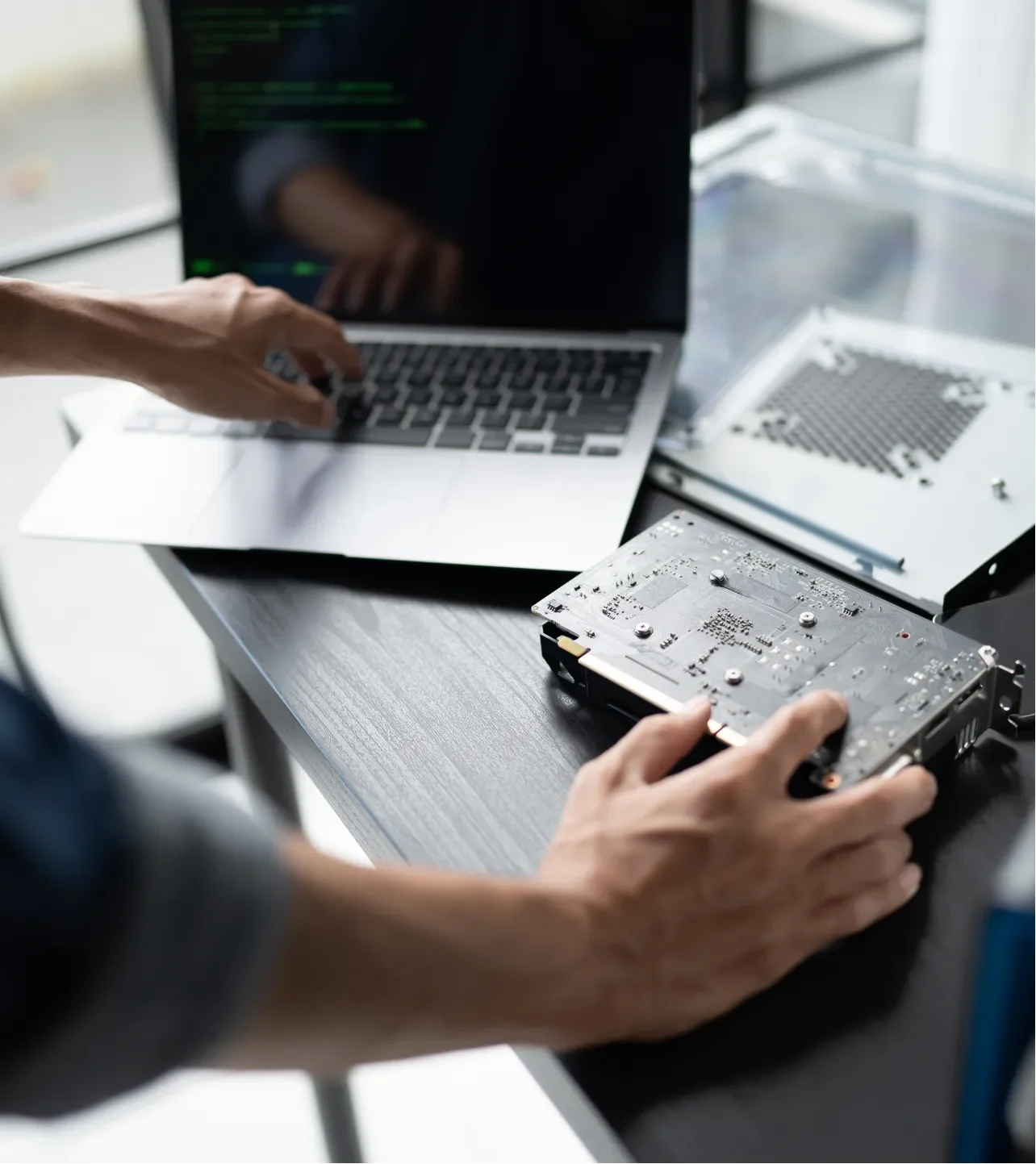
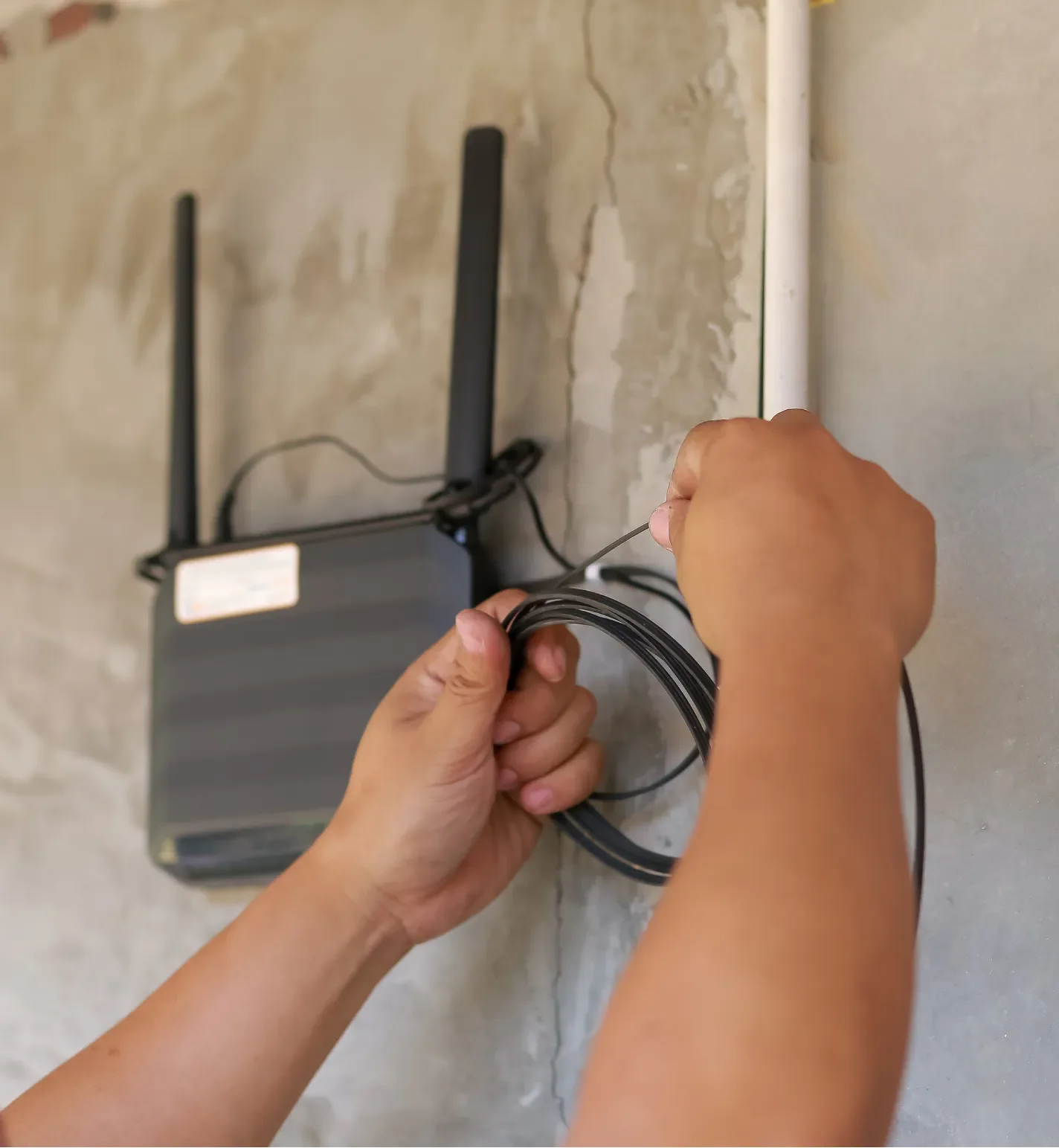
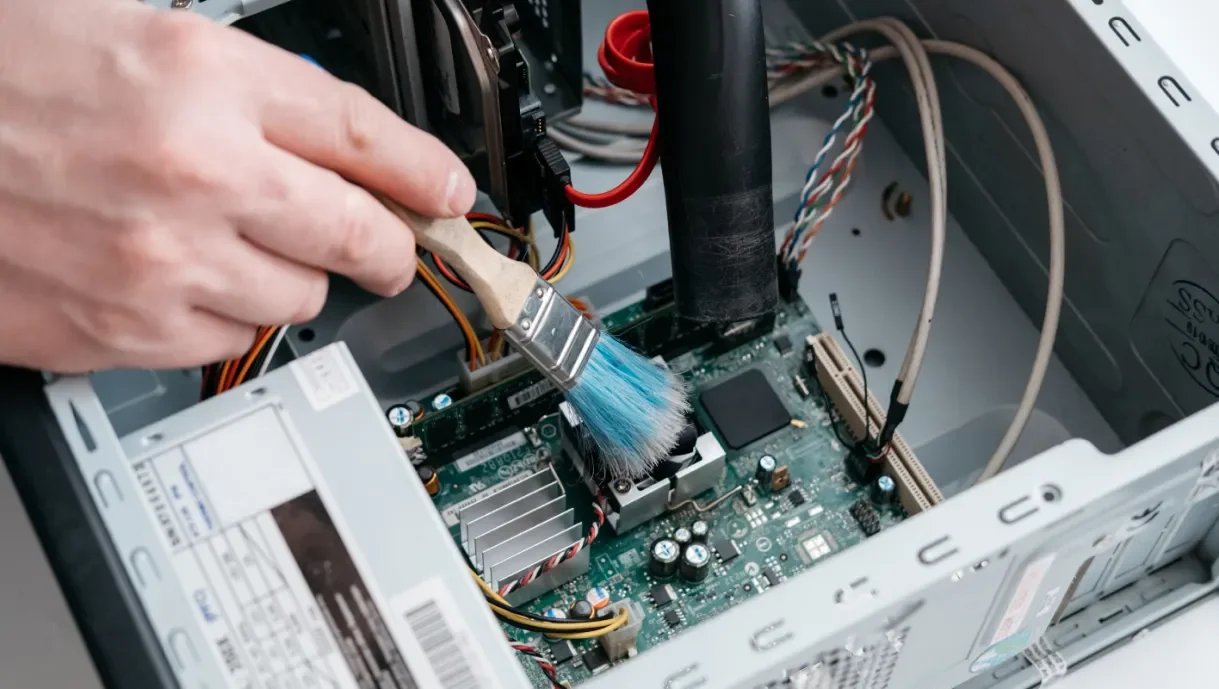
A look at the kind of setups and conversations this service involves.


Why us
You should always understand what is happening to your data and why.
We explain where your files will live, how copies are made and what each piece costs, without jargon or a stack of acronyms.
You see the cost before work begins. We do not add hidden fees or send surprise invoices afterward.
We bring back real files from your backup and show you. Then you know the safety net holds before you ever need it.
We migrate in stages and check each one. Your originals stay put until you are satisfied that everything arrived.
When you call, you talk to someone from our local team, not a call center reading from a script.
You get simple written steps for recovering a file or a whole folder, so a mistake does not turn into a crisis.
11 years in business
CRN MSP 500 honoree
CloudTango MSP honors
Locally owned and operated
Transparent pricing
4.2 from 5 Google reviews
Great for all your computer and IT needs!
2026-05-29Personable, knowledgeable, and technically savvy, David took care of my computer issues promptly and efficiently. My "go to" guy for computer questions.
2026-05-19Great service for a fair price ! And David being able to fix my pc at my house on my schedule made it very easy. He had no trouble fixing a tricky problem.
2026-05-15Where we work
Techmedic GVL is based in Greer, South Carolina. We travel to businesses and homes in Greenville and across the Upstate.
Cloud setup and backup are mostly done remotely, with on-site visits when we need to work on your computers or network in person.
Ongoing monitoring and support for your whole technology setup.
View Managed IT ServicesGuidance on protecting your business data from online threats.
View IT Consulting & CybersecurityA review of what you have now and where the gaps are.
View Technology AssessmentsFriendly help for homeowners and seniors with everyday tech.
View Residential & Senior Tech SupportSee everything Techmedic GVL offers for businesses and homes.
View All servicesA computer built around the work you do, from parts chosen with you. Request a quote for a custom build from a locally owned team that explains it plainly.
View Custom build computers, made to your needsSend my request
Send a few details about your files and computers. We will reply with next steps and a clear estimate, and there is no obligation.
We are based in Greer, South Carolina. Use the map to see our location, get directions or open us in Google Maps. We also come to you in Greenville and the surrounding Upstate.
Ask for a free estimate and we will show you how cloud storage and tested backups can fit your business or home. You get clear answers and a fair price.